Drawings for every part in your project
Generate drawings in batches while your team continues designing. DraftAid handles the repeated setup, views, and detailing in the background.

AI-powered drafting for engineering teams.
Create consistent 2D manufacturing drawings from your 3D models, using the CAD tools and company standards you already work with.
DraftAid works with
your existing CAD software.
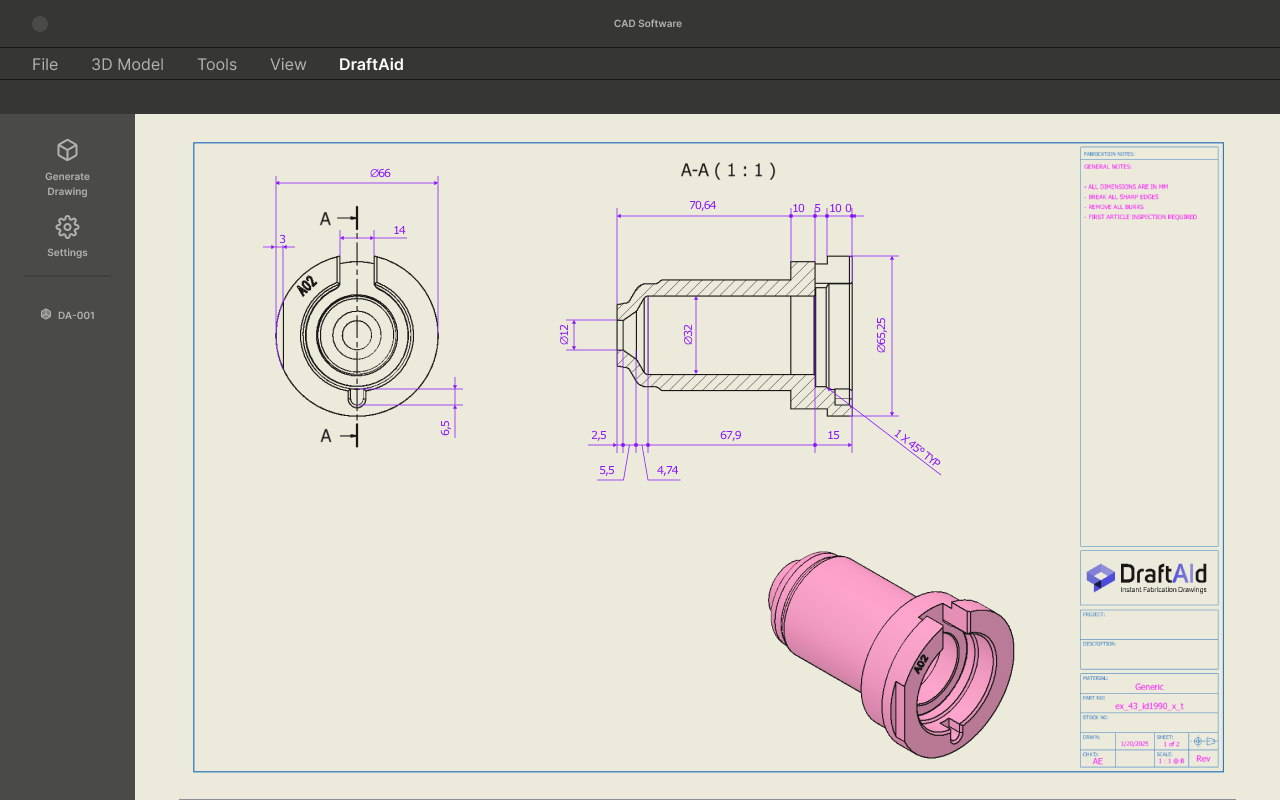
Automate drawing layouts, dimensions,
and annotations across your parts.
Generate drawings in batches while your team continues designing. DraftAid handles the repeated setup, views, and detailing in the background.
Intelligent dimensions and annotations bring clarity to every part, ready for your final review.
Bring your templates and preferences. Make every drawing feel like it came from your team.
Try the original product walkthroughs
using real CAD models.
Start with a model, generate the drawing,
then review it before release.
Illustrative workflow preview. Live CAD processing is available through DraftAid.
DraftAid integrates with tools including SolidWorks and Autodesk Inventor. Generate drawings in your CAD environment and export native files, PDFs, DWGs, or DXFs.
Explore CAD integrations ↗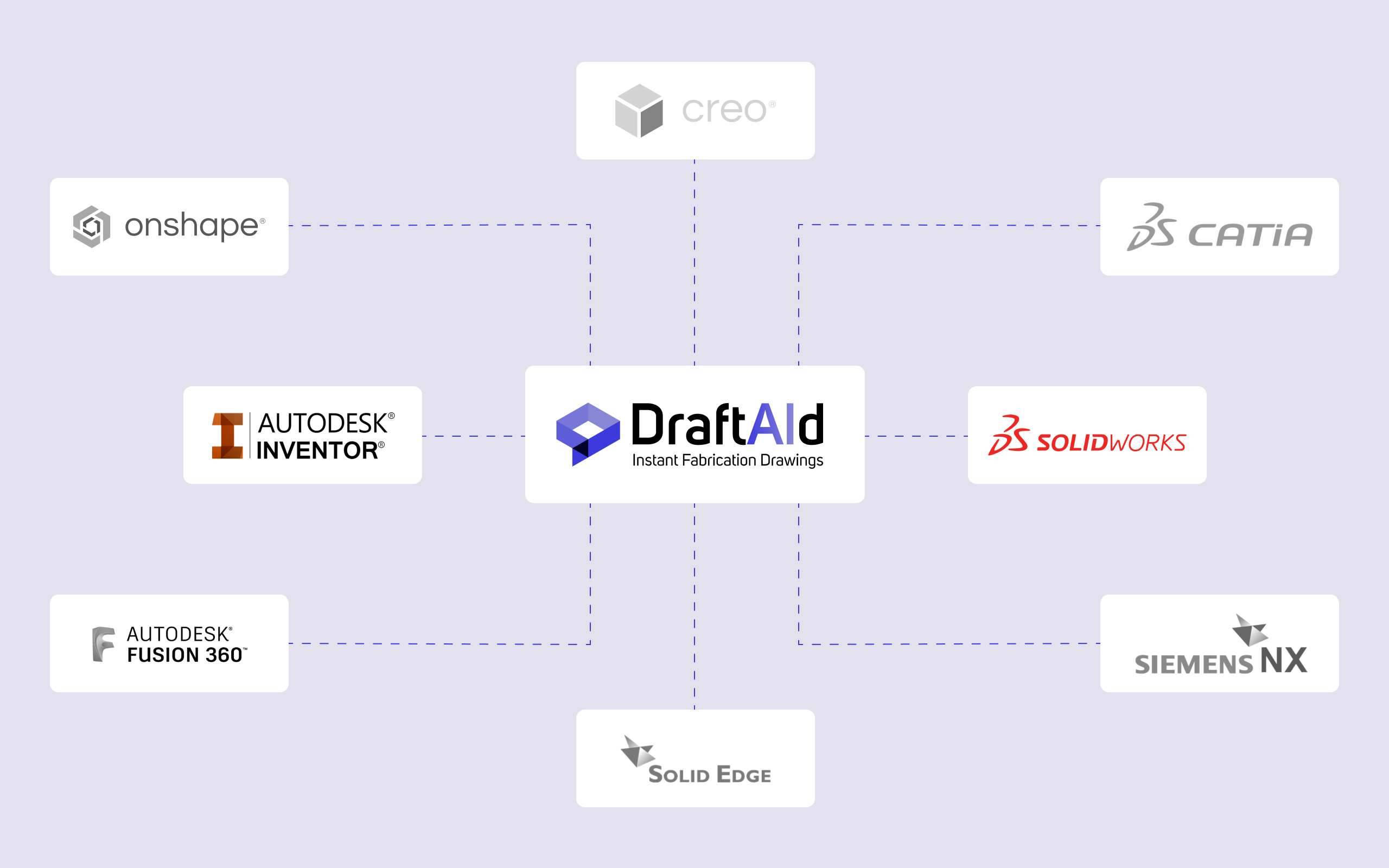
DraftAid helps engineering and production teams turn CAD models into drawings the next team can use.
Spend less time setting up views and annotations. Keep your team focused on design and review.
Give production teams consistent drawings with the dimensions and details they need to make each part.
Document assemblies and sheet metal components across demanding production schedules.
Prepare drawings for pipes, extrusions, and other parts without repeating the same drafting steps.
Capture the details in curtain walls, profiles, and other structural components.
Feedback from professionals using DraftAid in real drafting work.
“With just one click, I was able to generate precise drawings”
“DraftAid has accelerated my drawing process by three times.”
See how DraftAid handles your parts and drawing standards.
DraftAid automates the creation of 2D fabrication drawings from 3D CAD models, including layout, dimensions, and annotations. Your team reviews and finalizes the output.
Yes. DraftAid adapts to company templates, drafting standards, and preferences to keep drawings consistent with your existing workflow.
DraftAid supports native drawing formats as well as PDF, DWG, and DXF. Discuss your CAD platform and exact requirements in a live demo.
Yes. Bring your own models to a live demo with the DraftAid team to explore how the workflow fits your parts and standards.